 Paint Visualizer AI
Glidden Paint Visualizer
Glidden colors, in your room, before you paint.
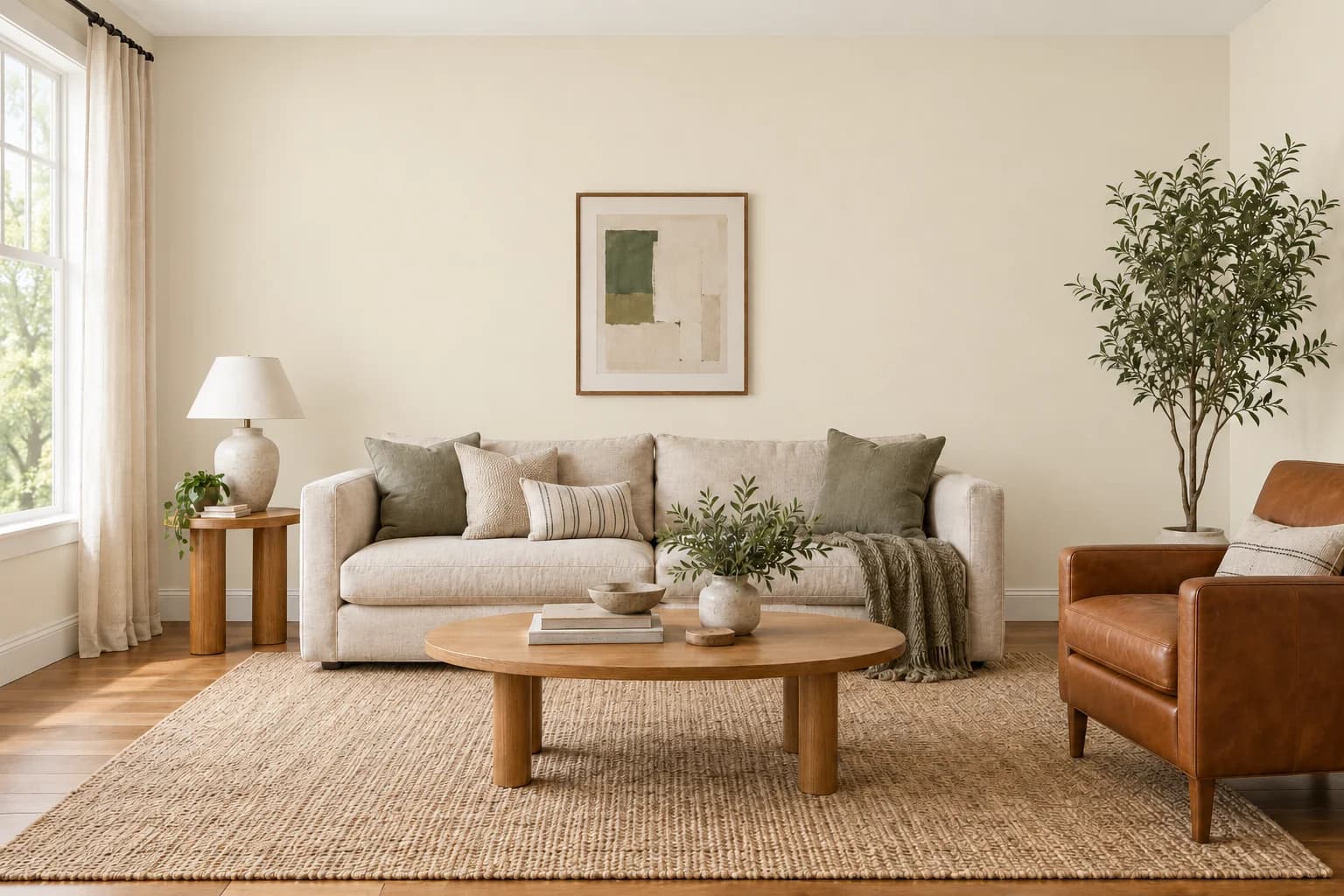
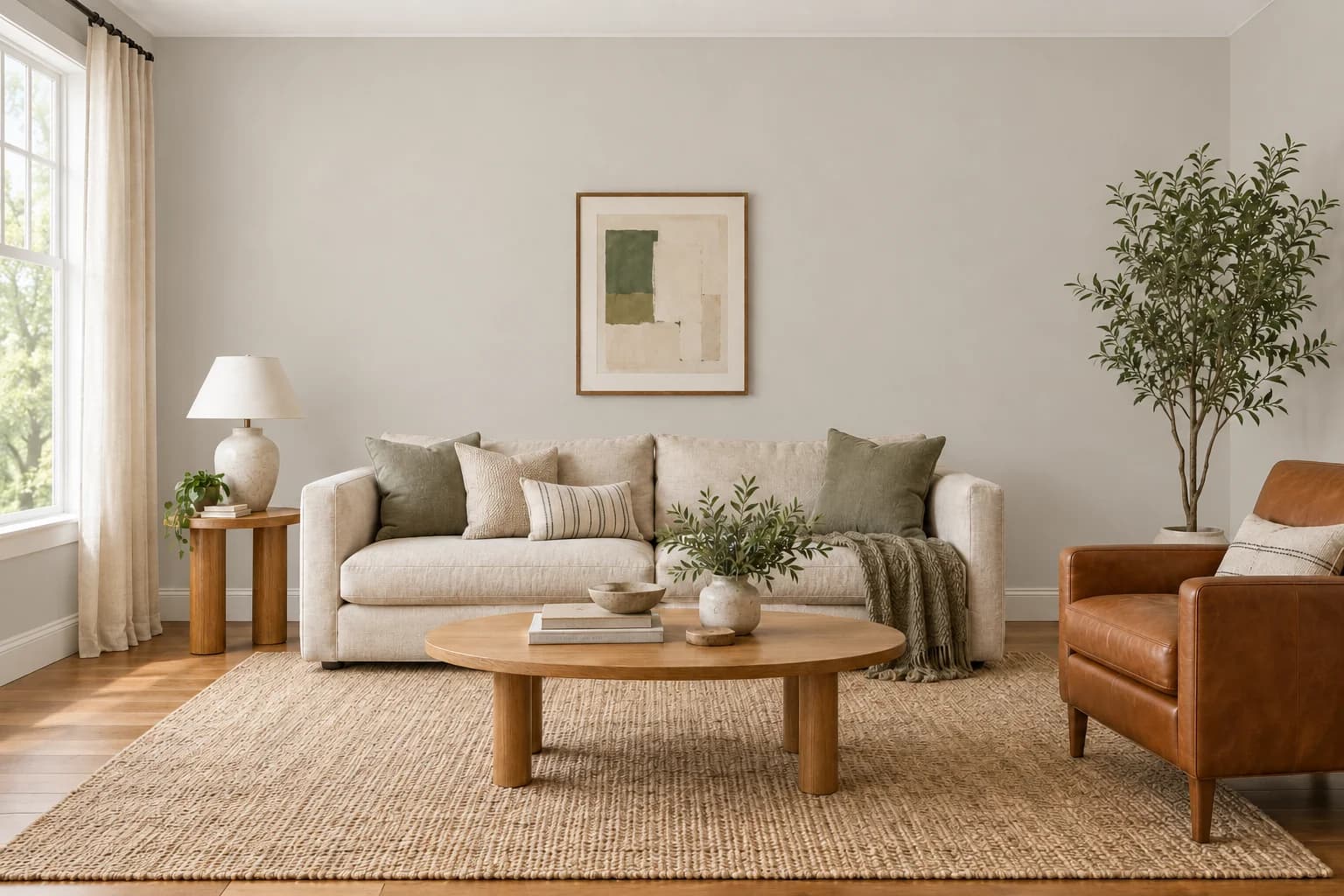
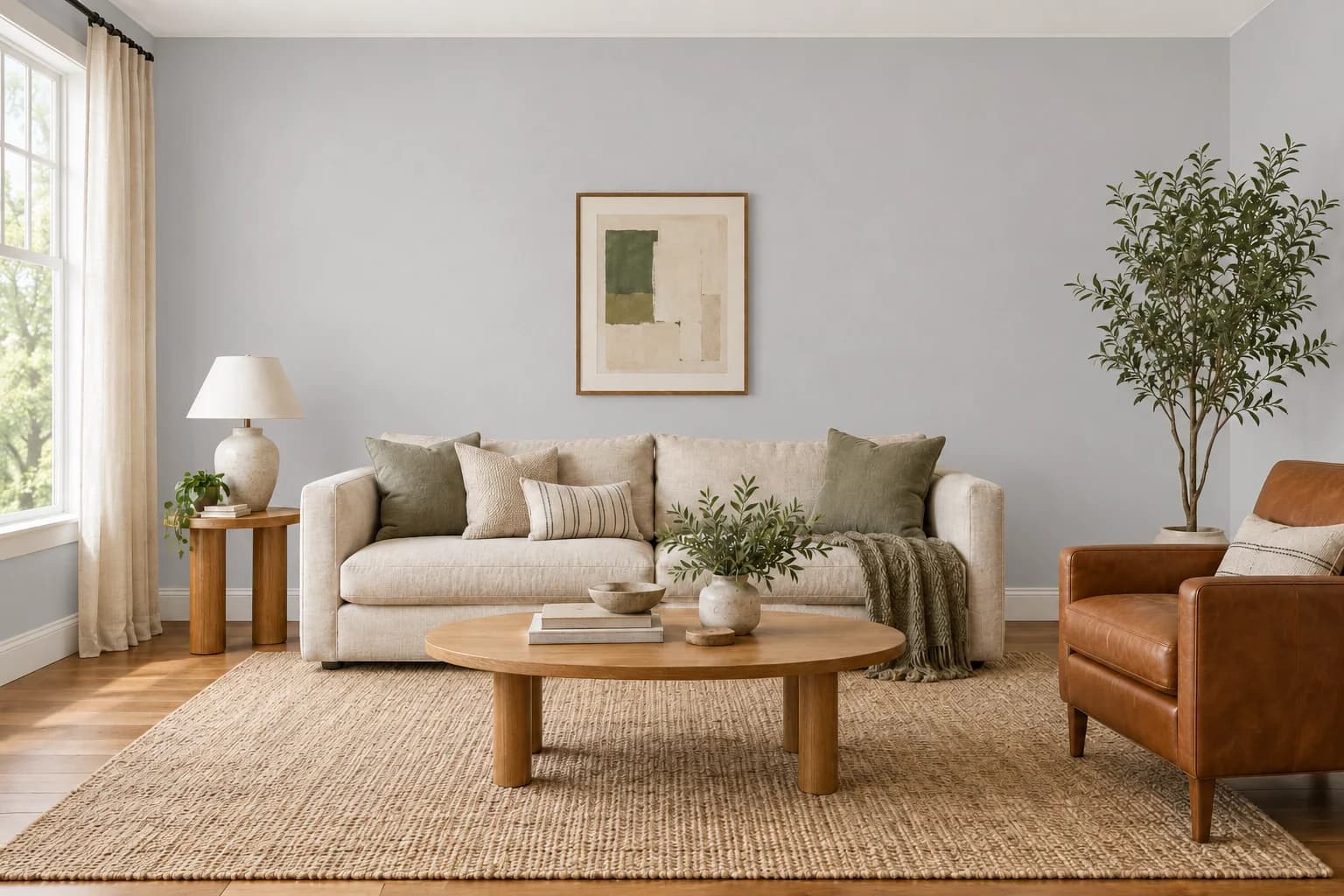
Upload your photo and try Glidden shades alongside your furniture, flooring, and trim. Compare your favorites before choosing a paint sample.
Start Free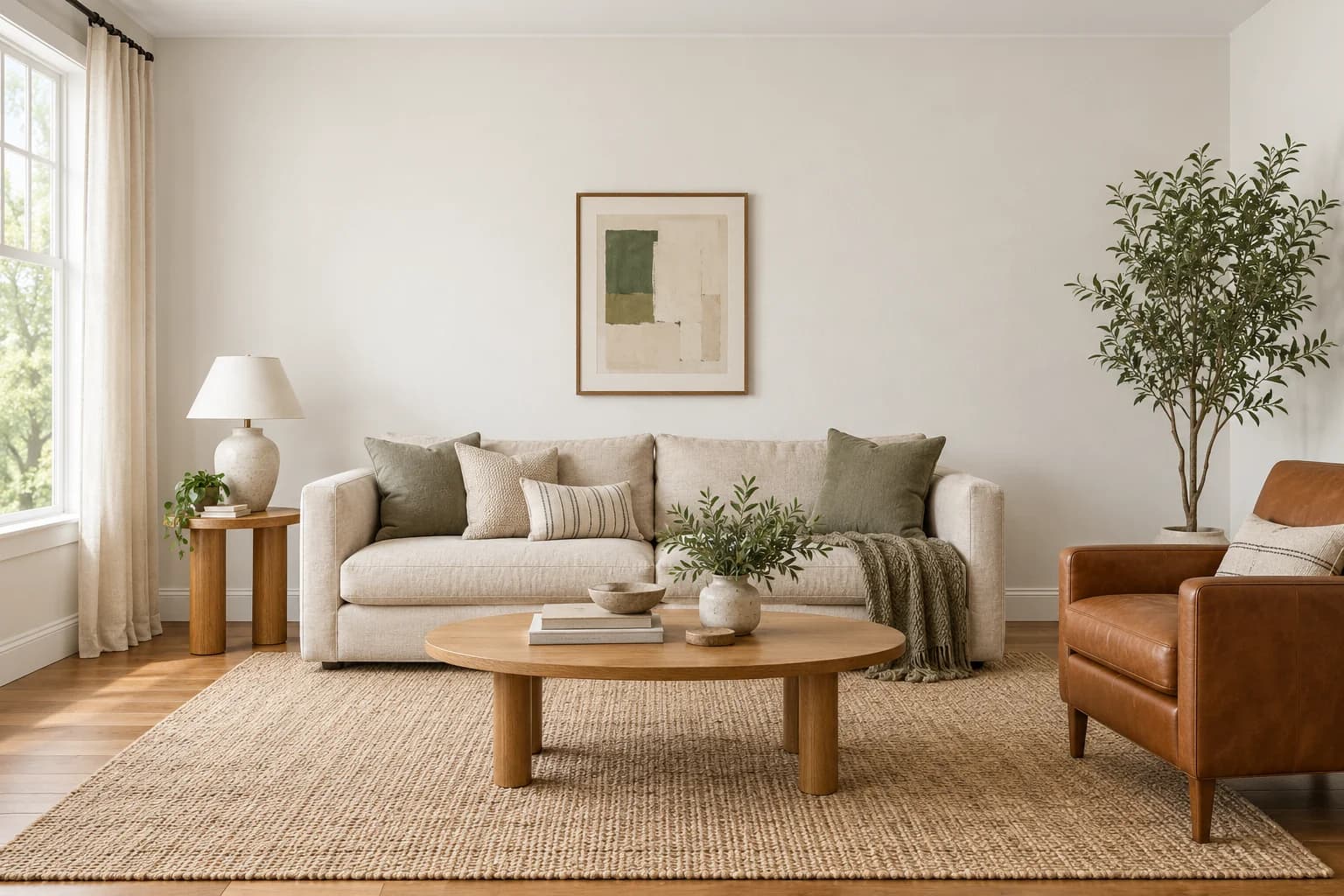
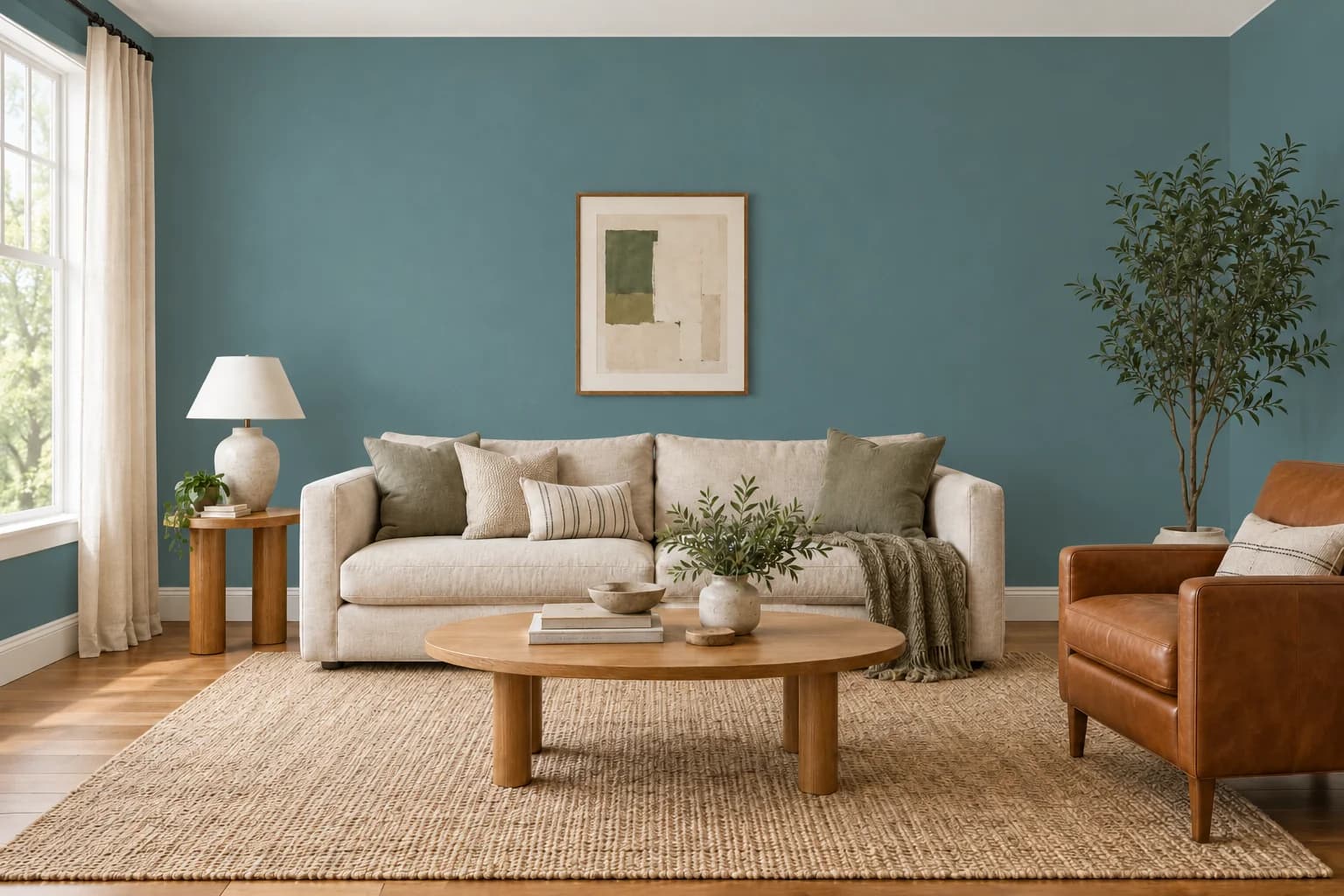
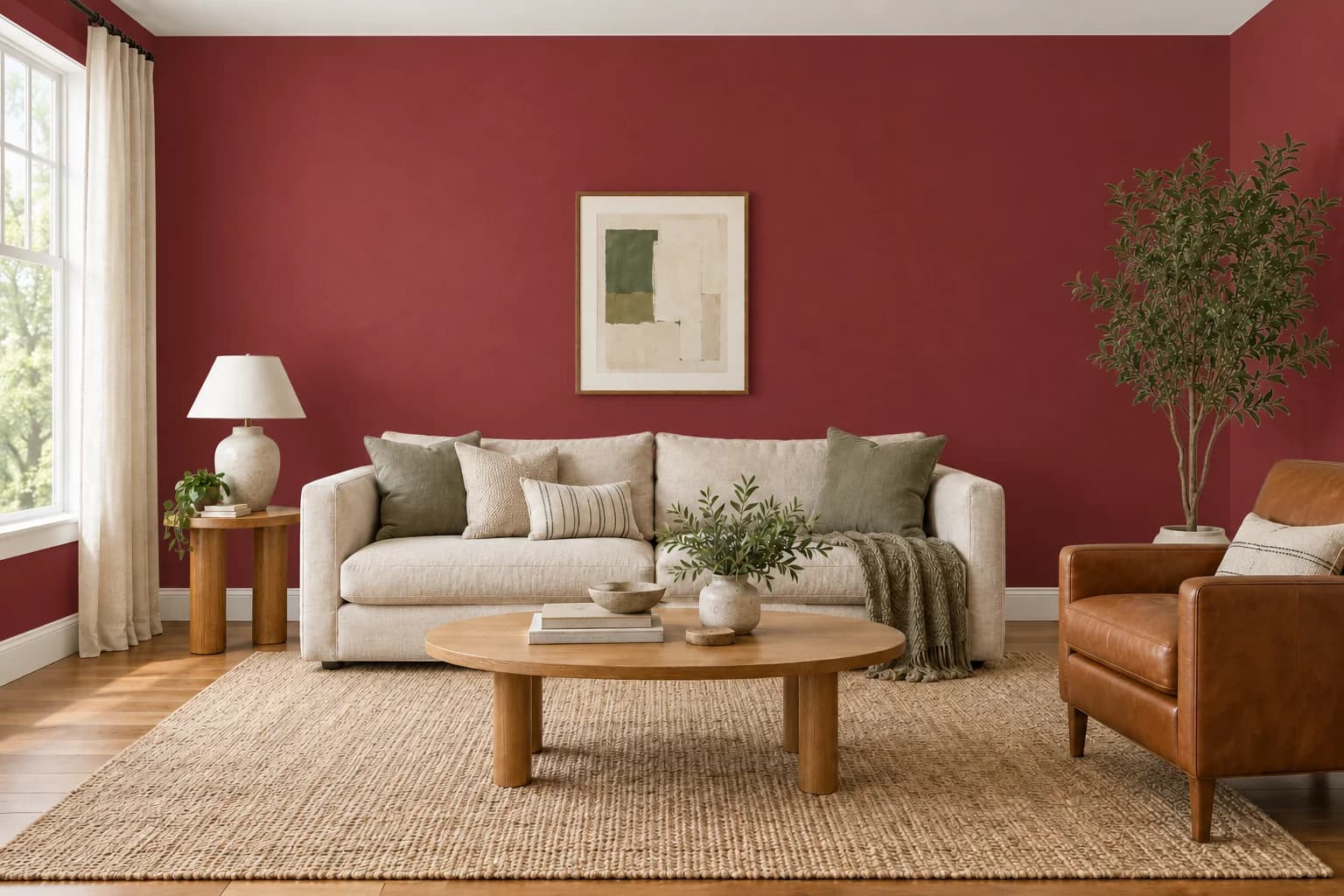
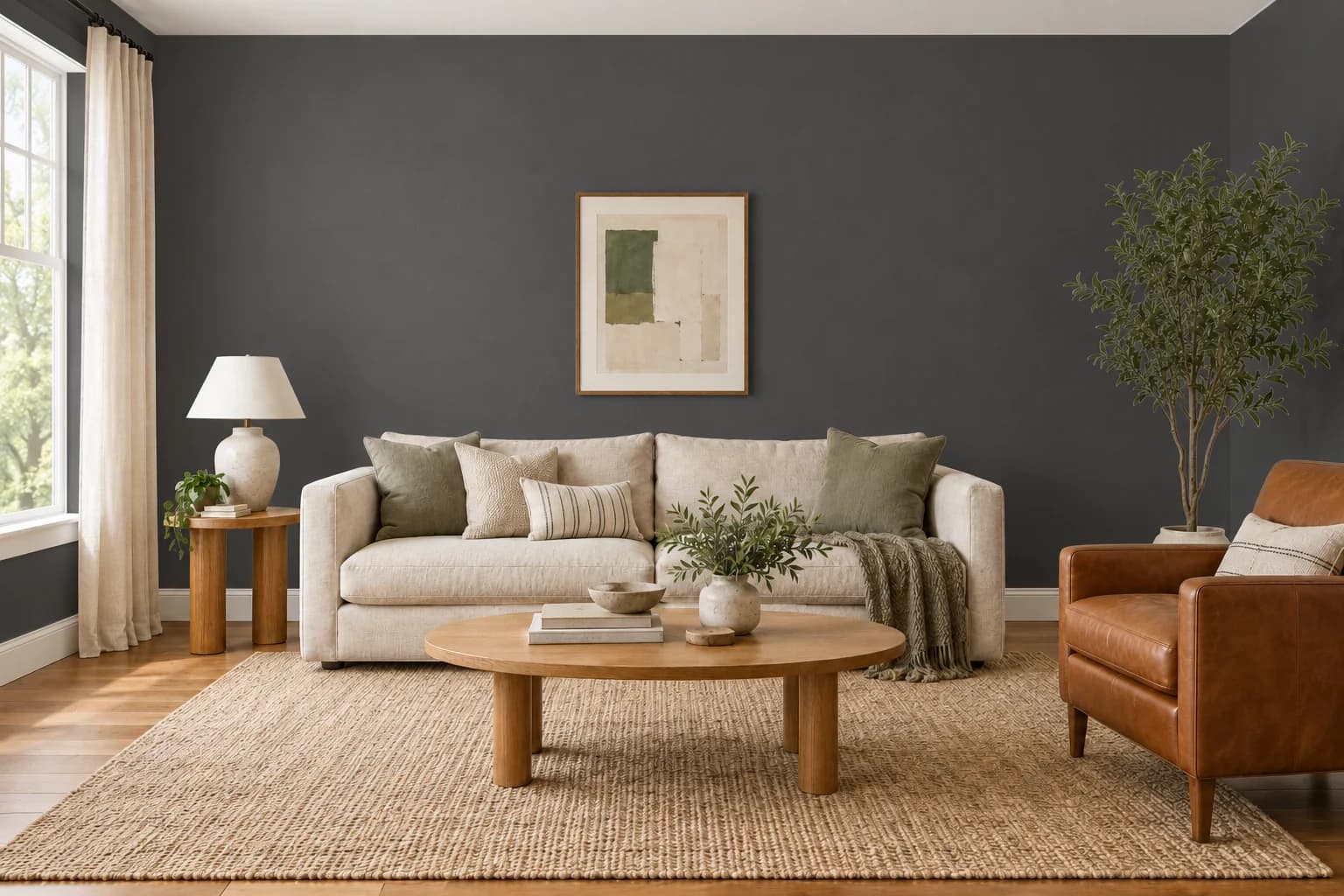
How it works
A new look starts with one photo
From “what if” to “that's the one.” Find a color you love before you pick up a brush.
- 01
Upload your photo
Upload a photo of the space you want to repaint.
- 02
Select the surfaces
Choose the surfaces you want to preview in a new color.
- 03
Find your color
Find a Glidden shade by its name or color code.
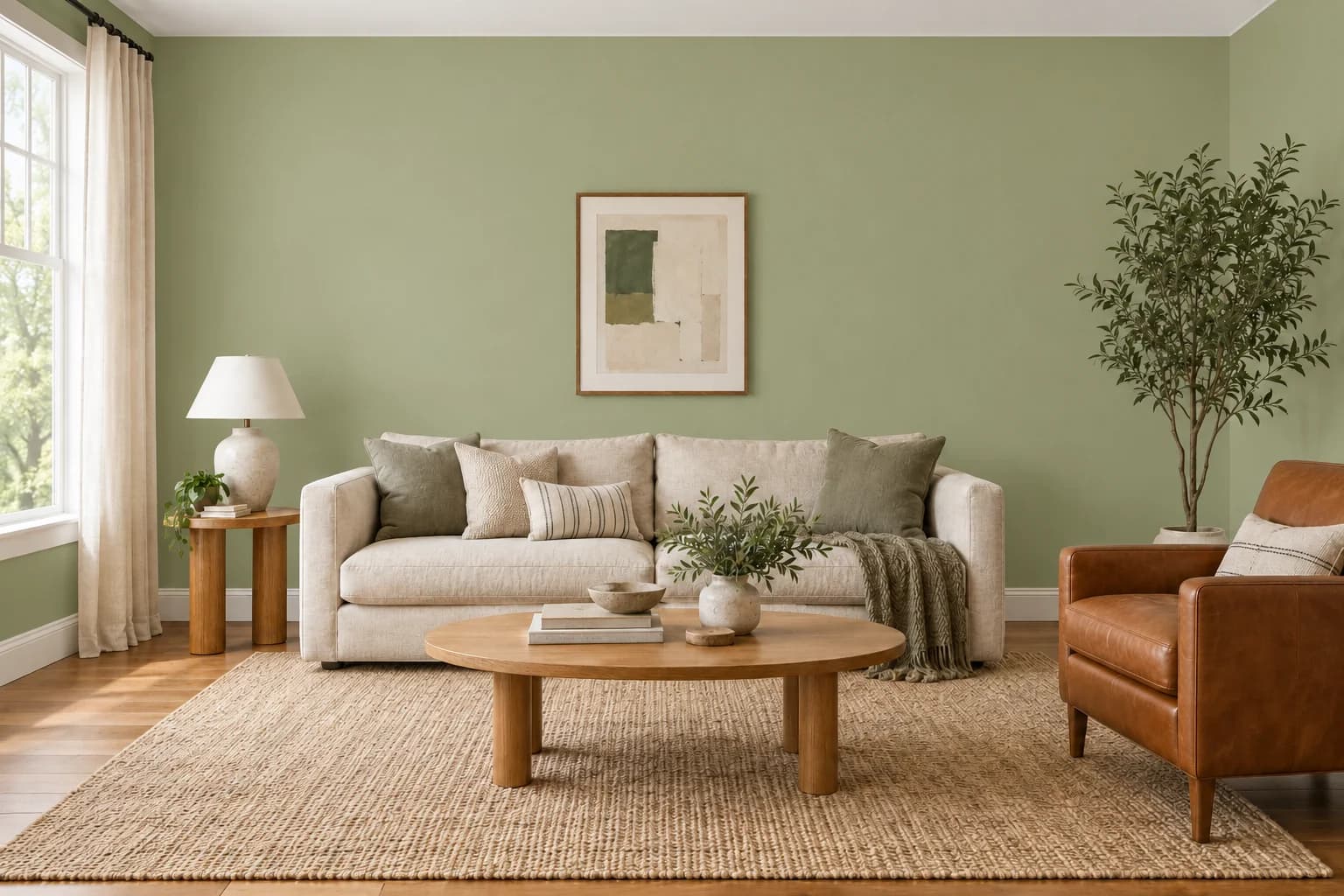 04
04Visualize in seconds
See your selected color with the surrounding finishes still in view.
Get to know Glidden.
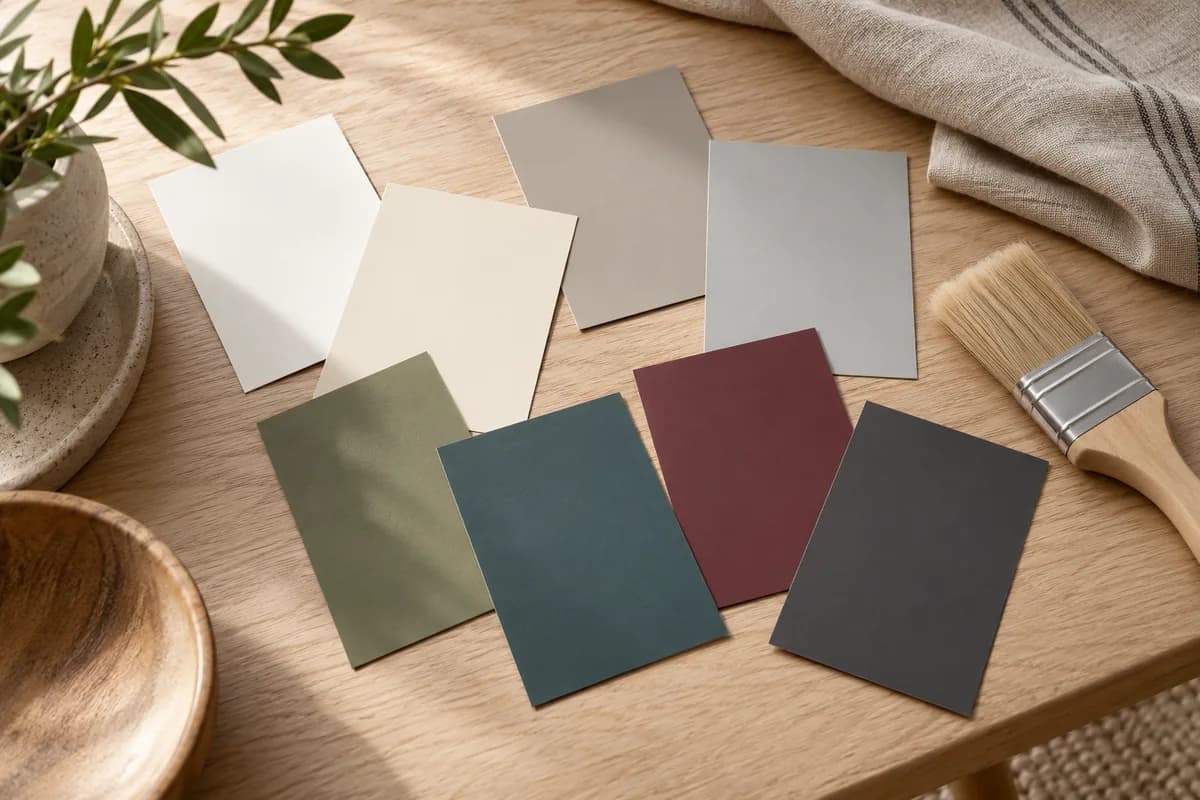
Start with Swan White or Antique White for a light backdrop, compare the warm and cool grays, or explore Guacamole green and Vining Ivy teal. These eight Glidden shades give you a starting palette to try against the furniture and finishes you already have.
What will you paint?
From one wall to the whole house.
Start with the part of your home you’re ready to change.
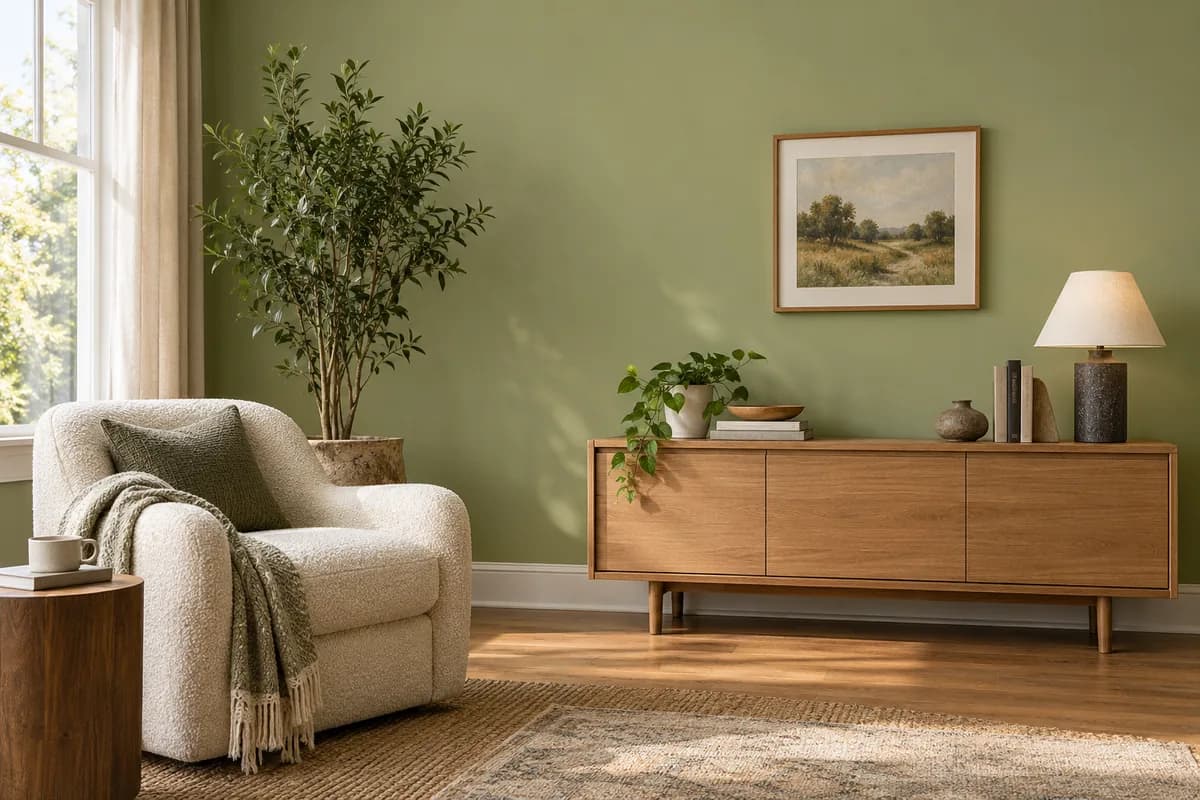
Walls
Find the right shade for an accent wall or a fresh coat throughout.

Rooms
Find a color that sets the mood for your bedroom, living room, or home office.
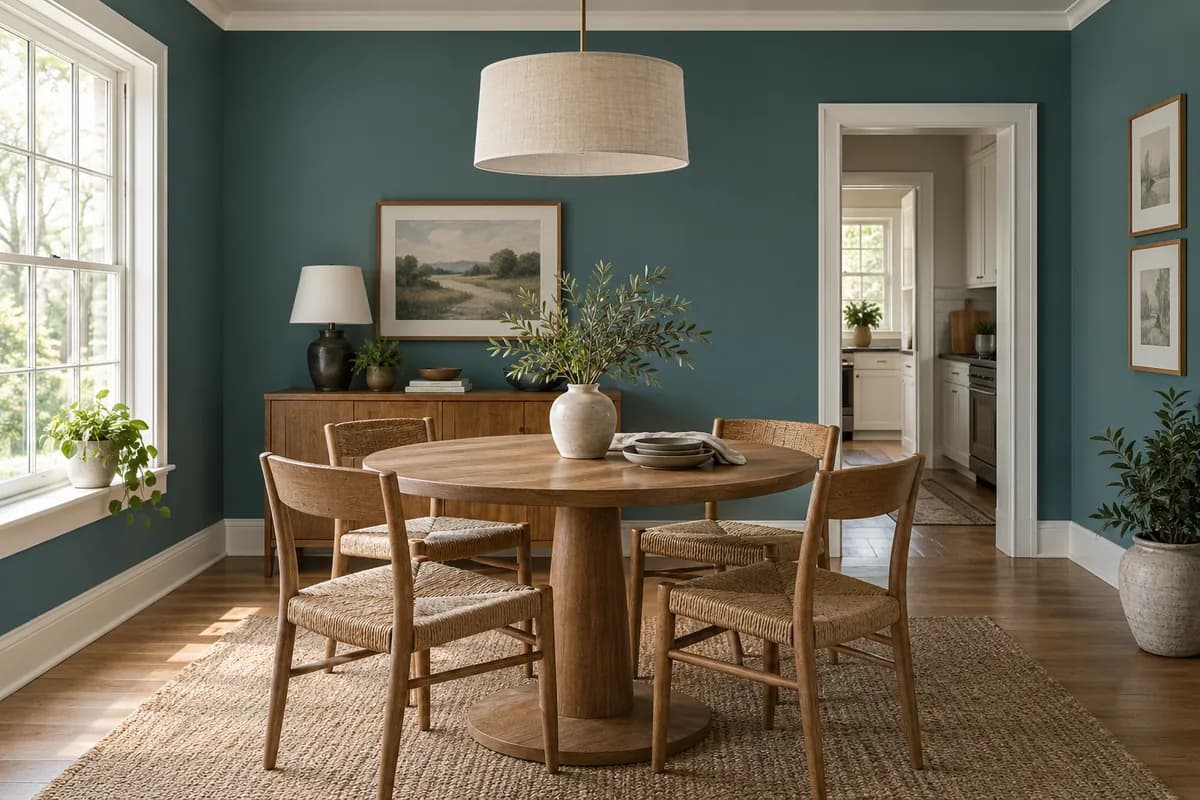
Interiors
See how a new palette brings the spaces inside your home together.
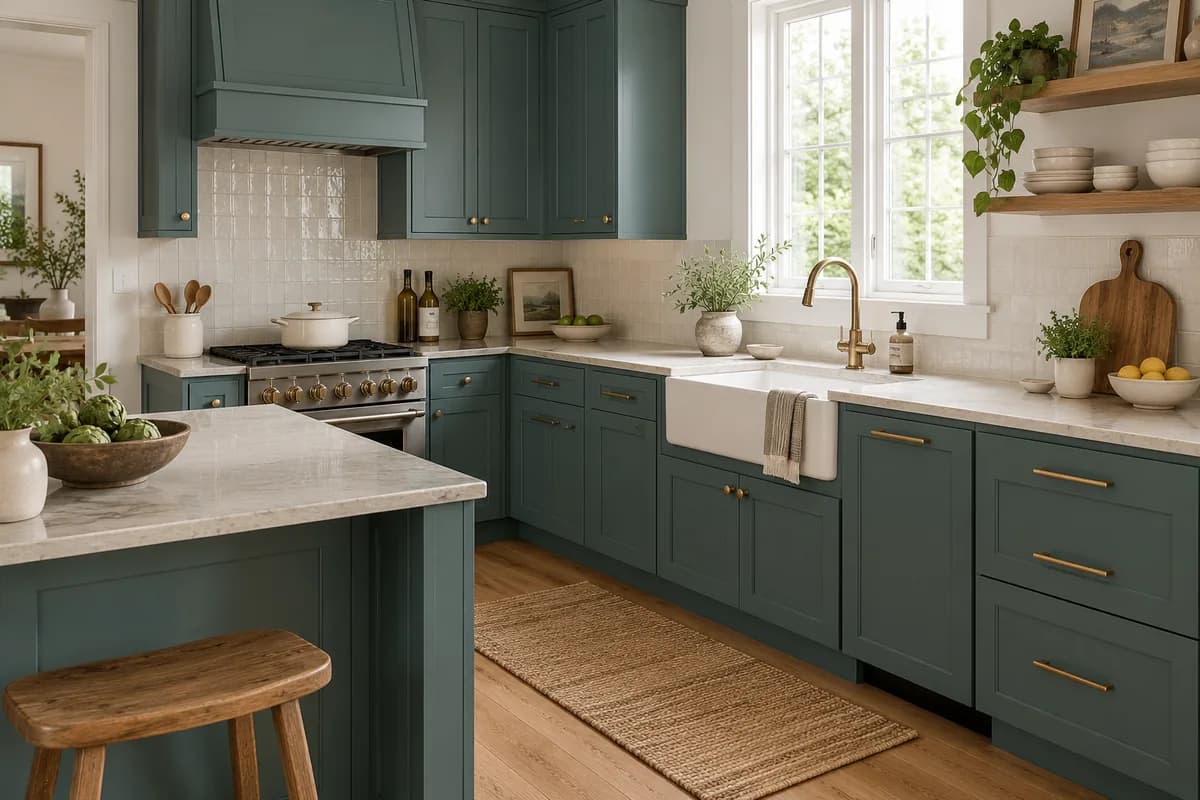
Kitchen cabinets
Find a cabinet color that works with your counters and backsplash.
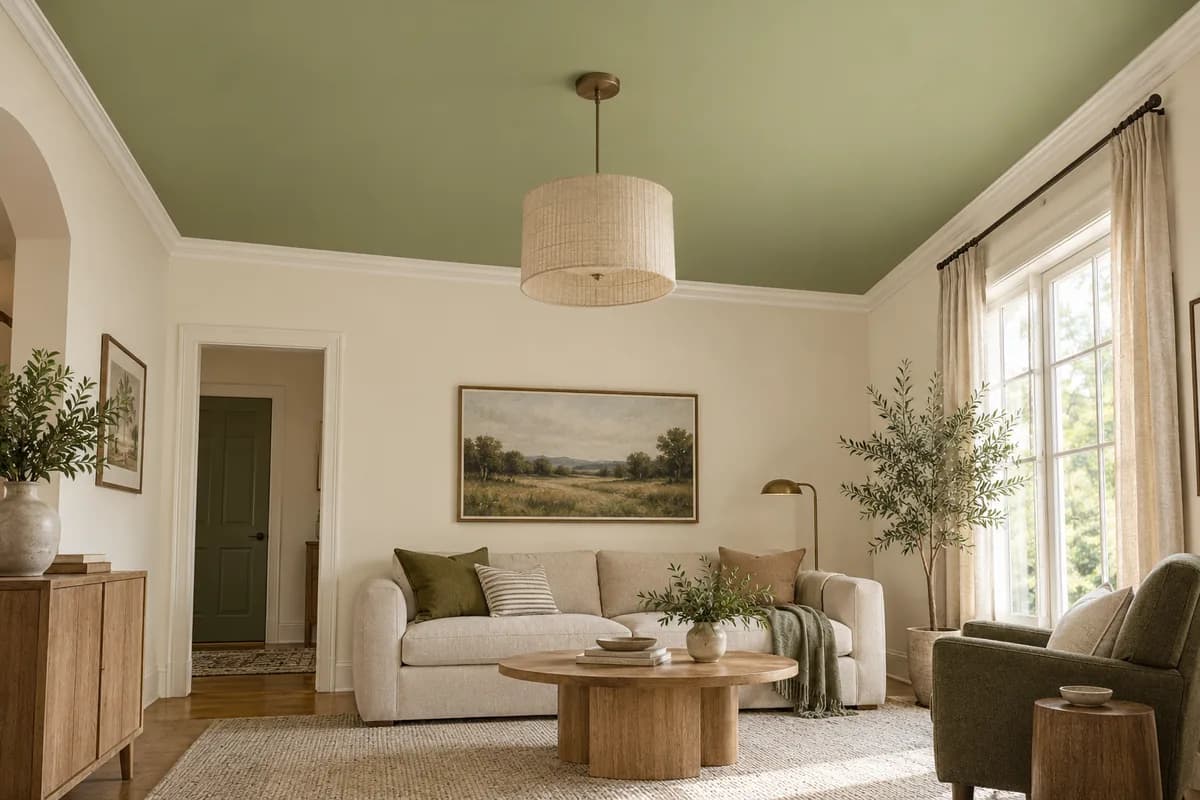
Ceilings
See what a little color overhead can do for the whole room.
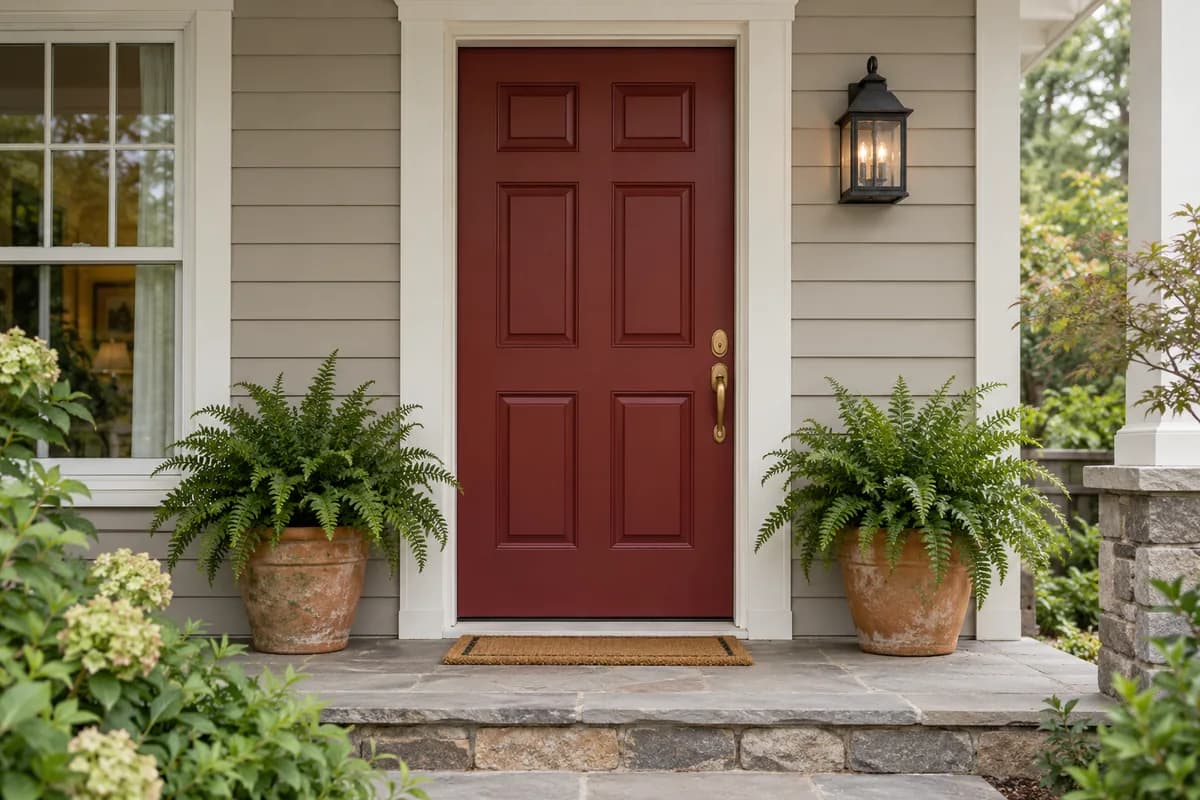
Doors & trim
See how a smaller paint project can change the whole entrance.
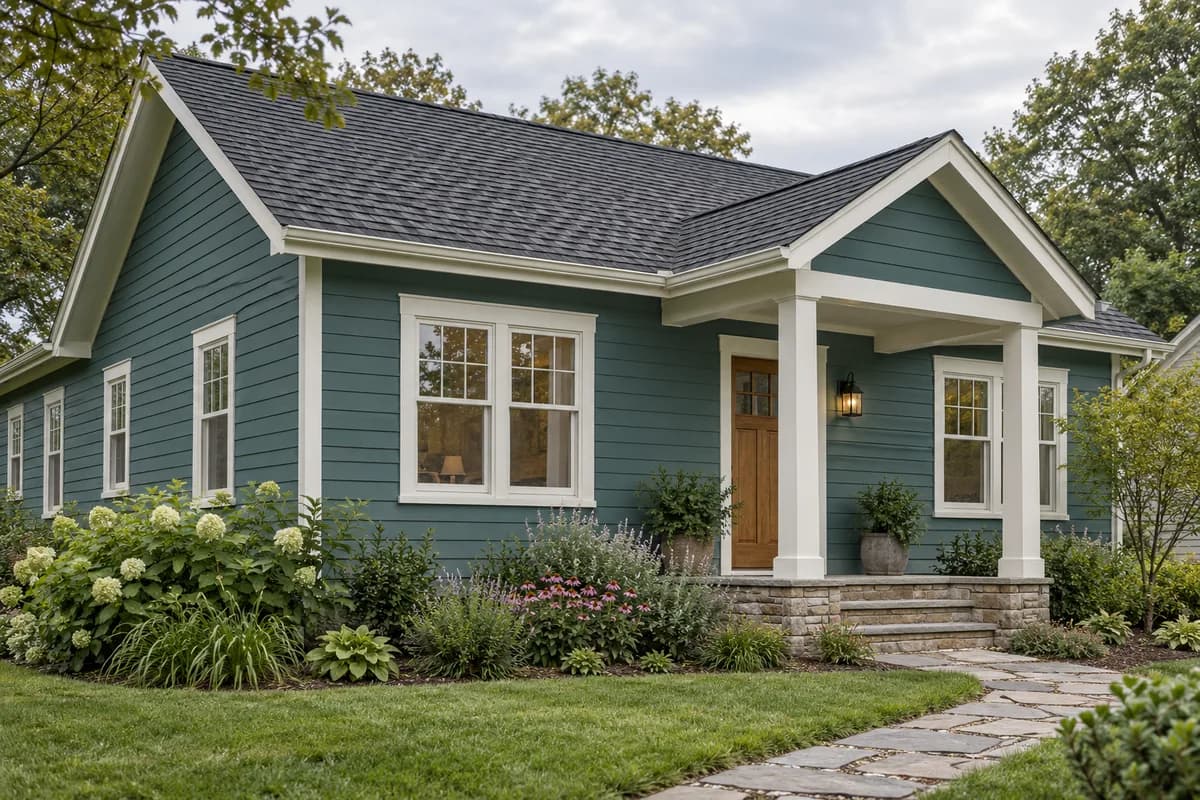
Siding
Try a new siding color while keeping your roof, windows, and trim in view.
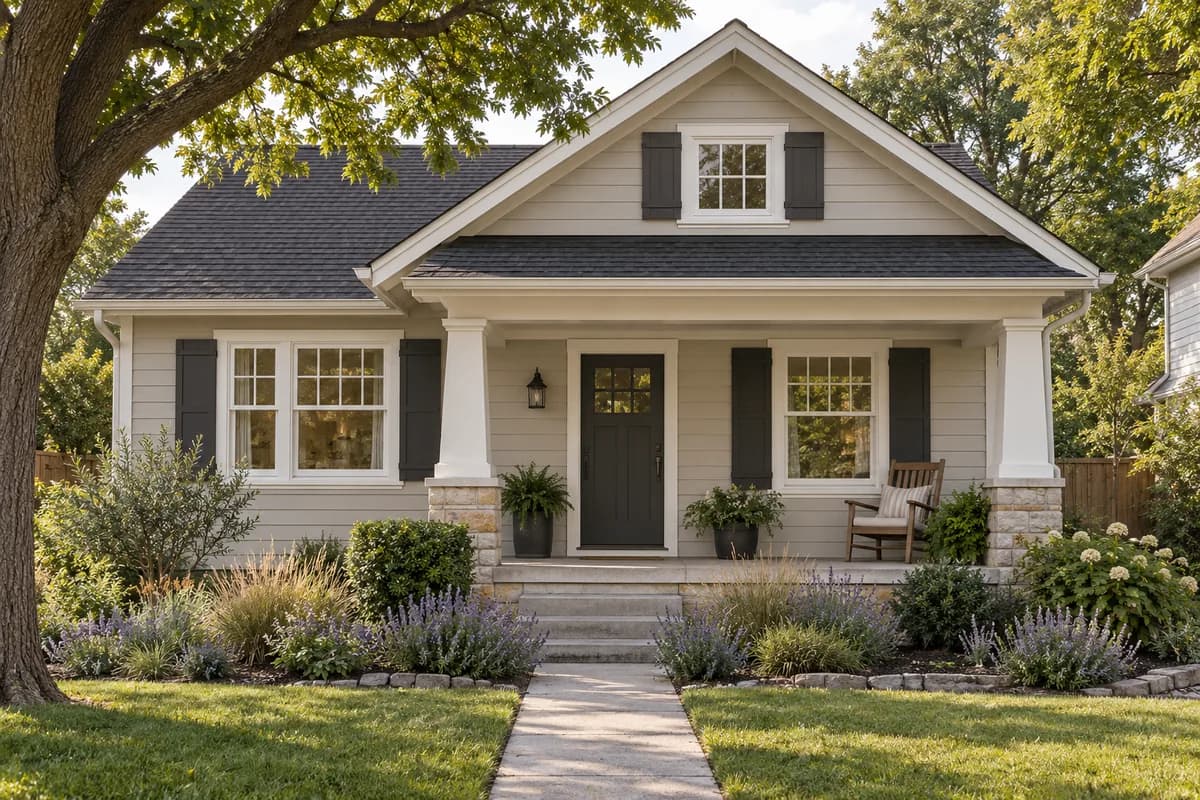
Home exteriors
Choose siding colors alongside your roof, brick, and landscaping.
Before you pick up a brush
A little planning goes a long way.
Start with your photo.
Include the surfaces and finishes you want to judge together in the same view.
Keep the color code.
Use the shade’s name and code when comparing previews or looking for a physical sample.
Check it in your light.
Test the actual paint and finish in your space before committing to your final color.
Frequently Asked Questions
Your home, your next color
See Glidden in your own space.
Try a soft white, a fresh green, or a deeper shade. Your photo is the starting point.
Start Free