 Paint Visualizer AI


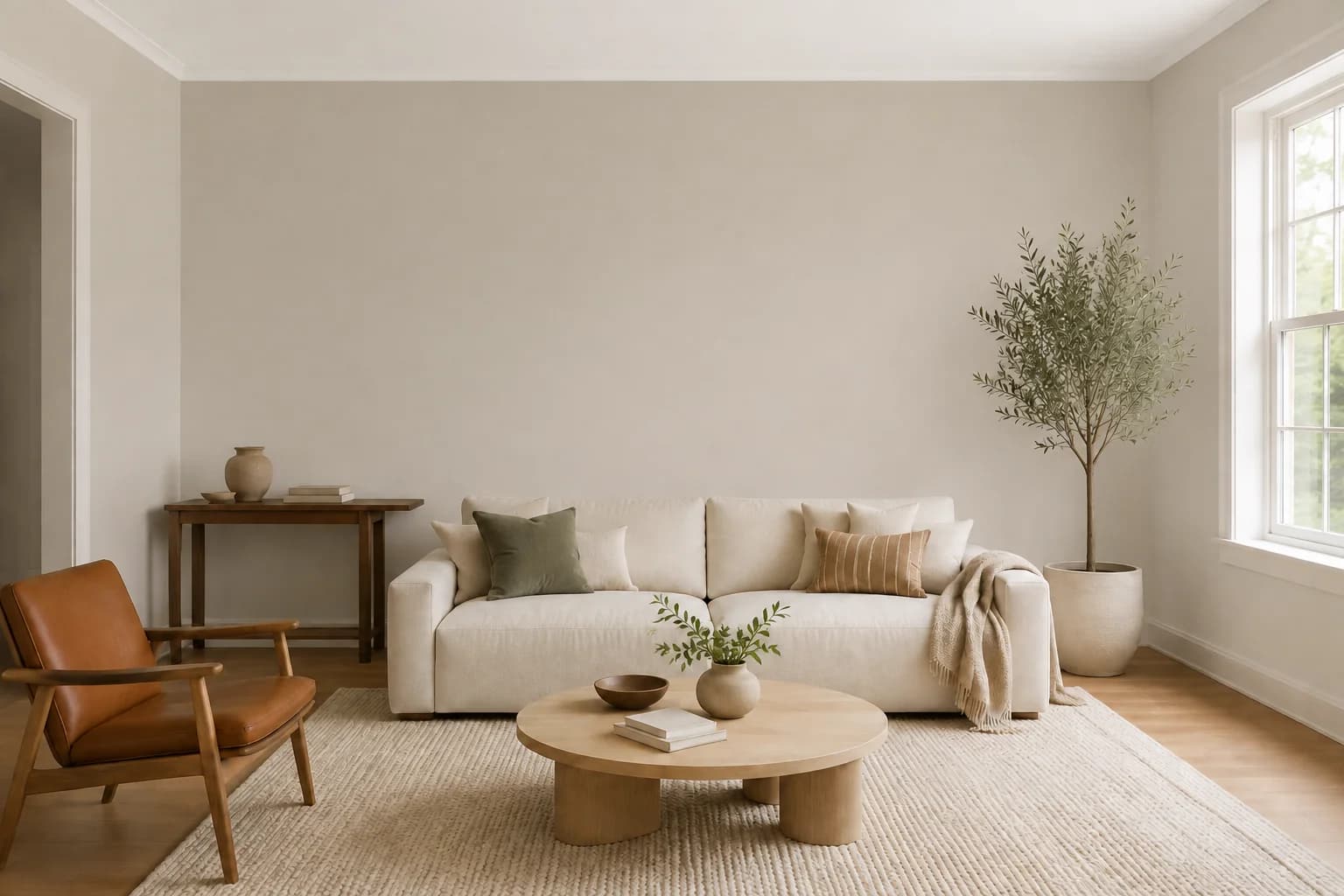
Living rooms
Find a color that brings your sofa, flooring, and favorite pieces together.
AI Room Paint Visualizer
See new paint colors around your own furniture, flooring, and favorite details before you repaint.
Start Free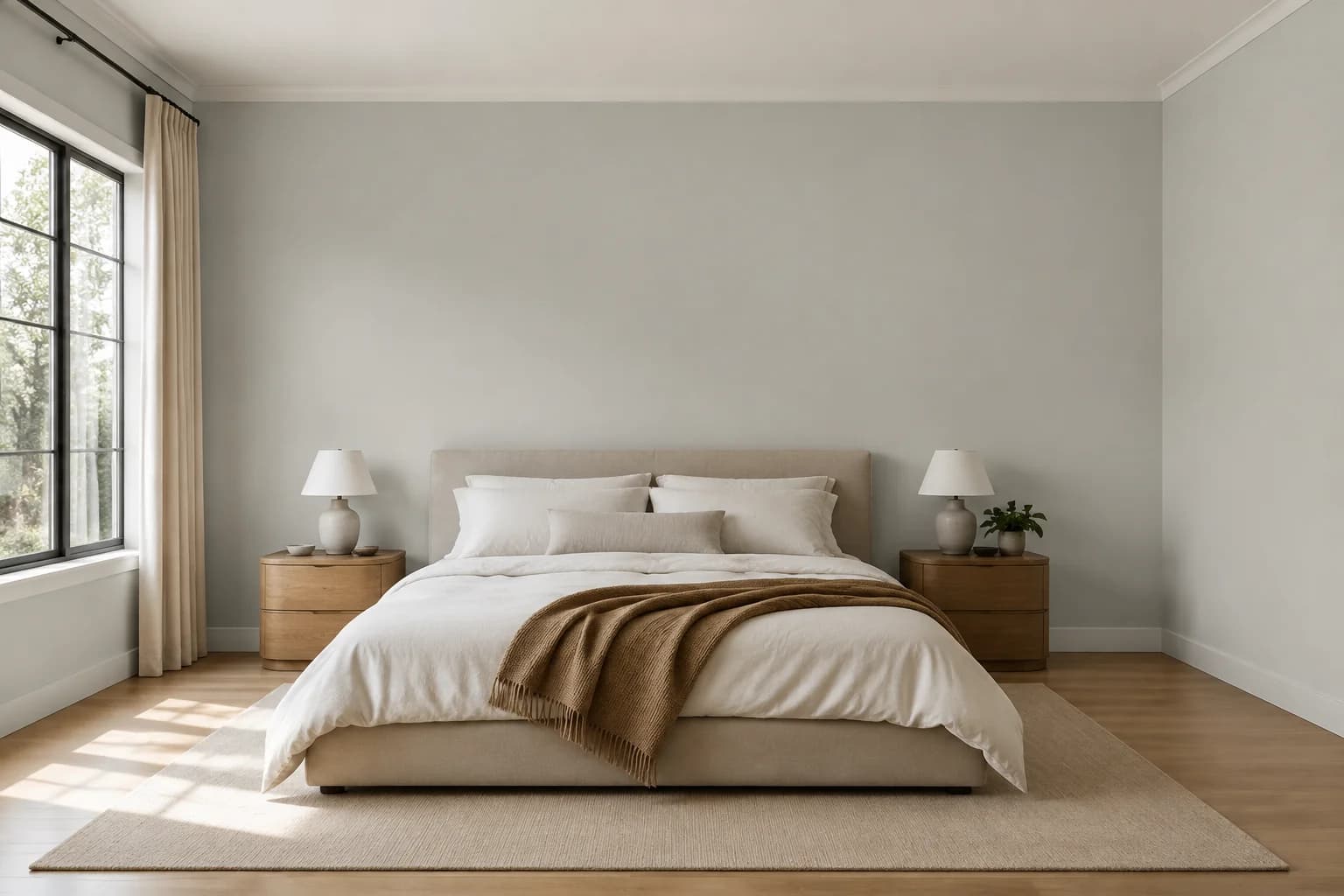
Make it your own
Start with the space you’re ready to make your own.
Find a color that brings your sofa, flooring, and favorite pieces together.
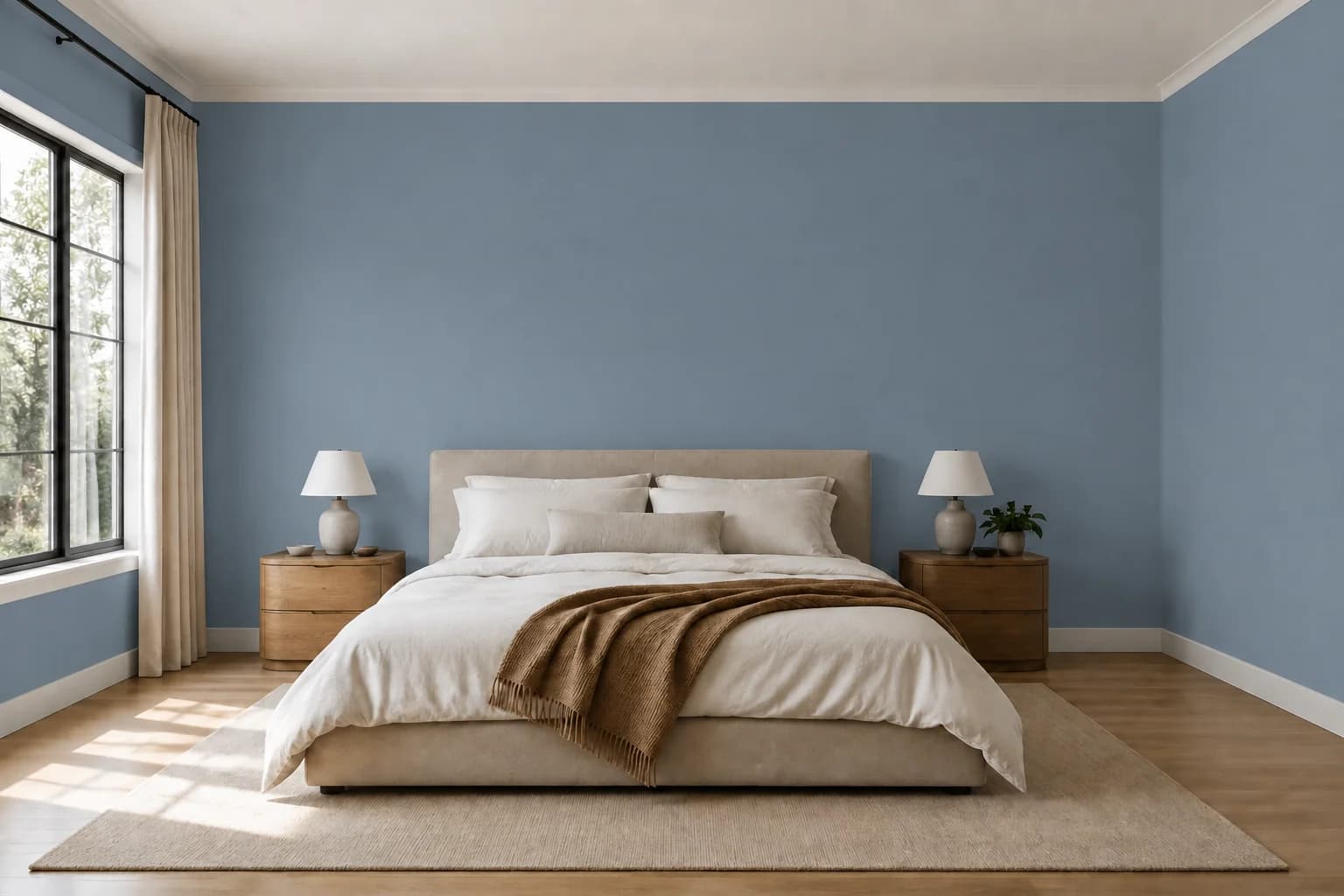
Create a calmer backdrop for the start and end of your day.
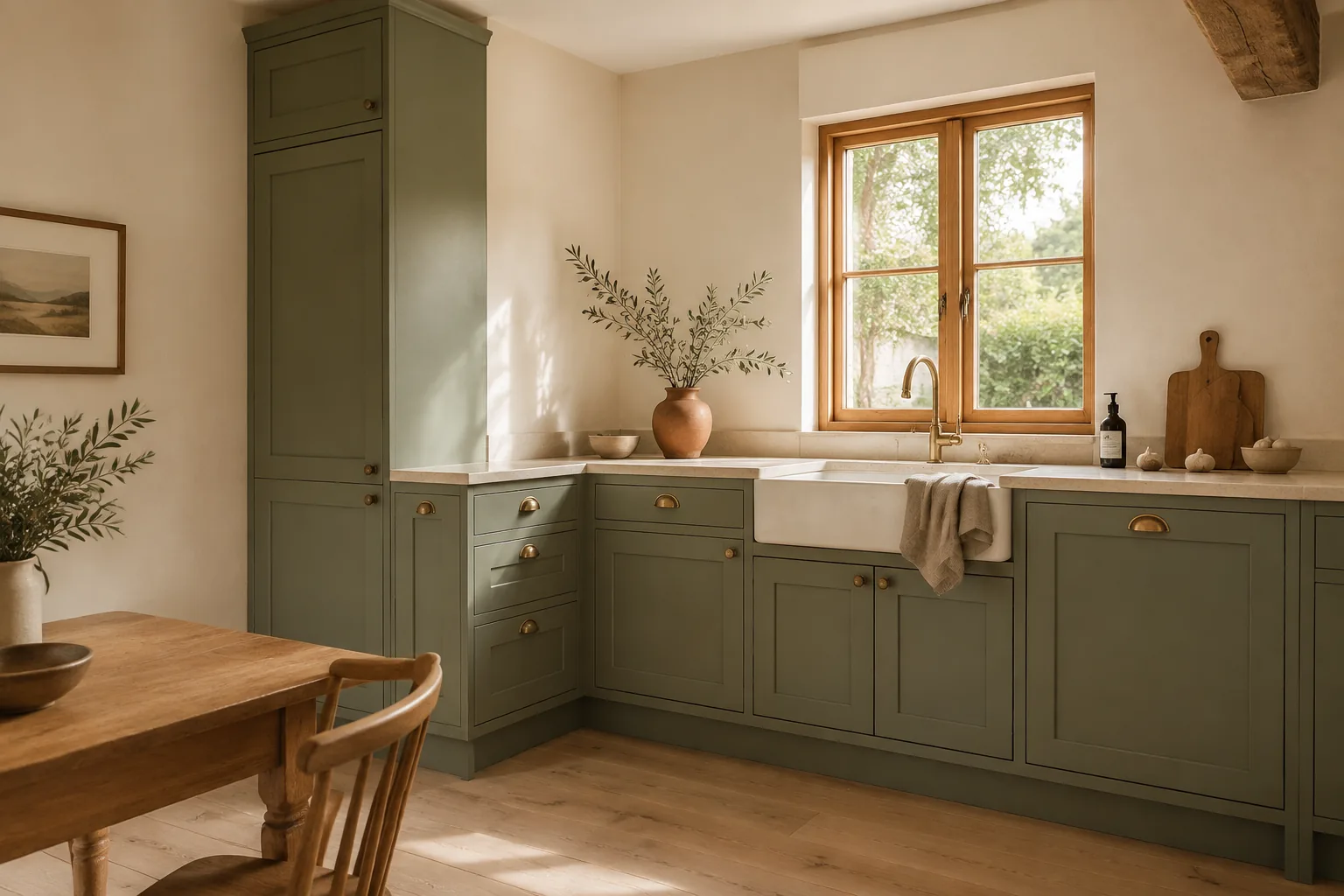
See wall and cabinet colors beside your counters, backsplash, and hardware.
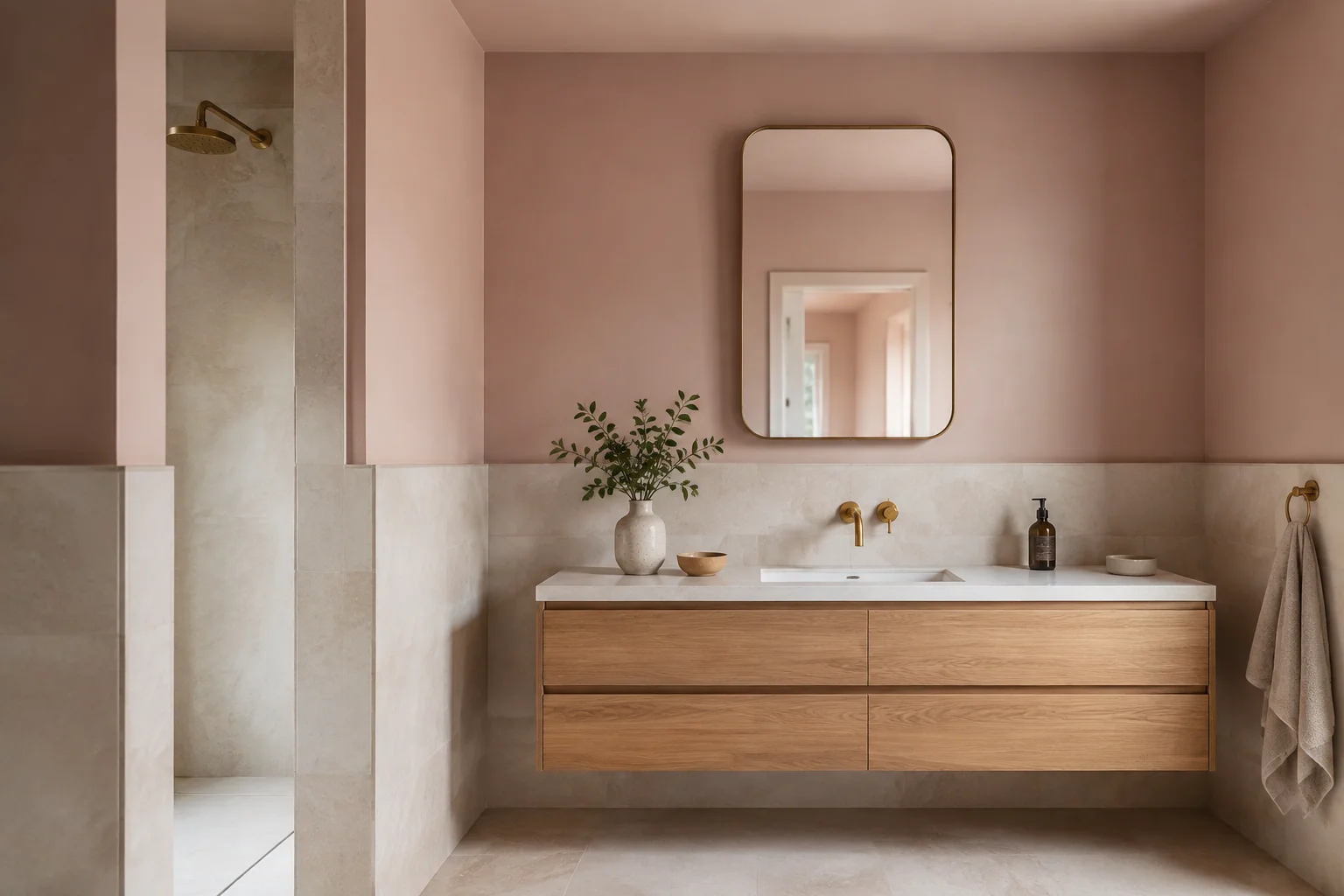
Bring a fresh shade into the picture with your existing tile and vanity.
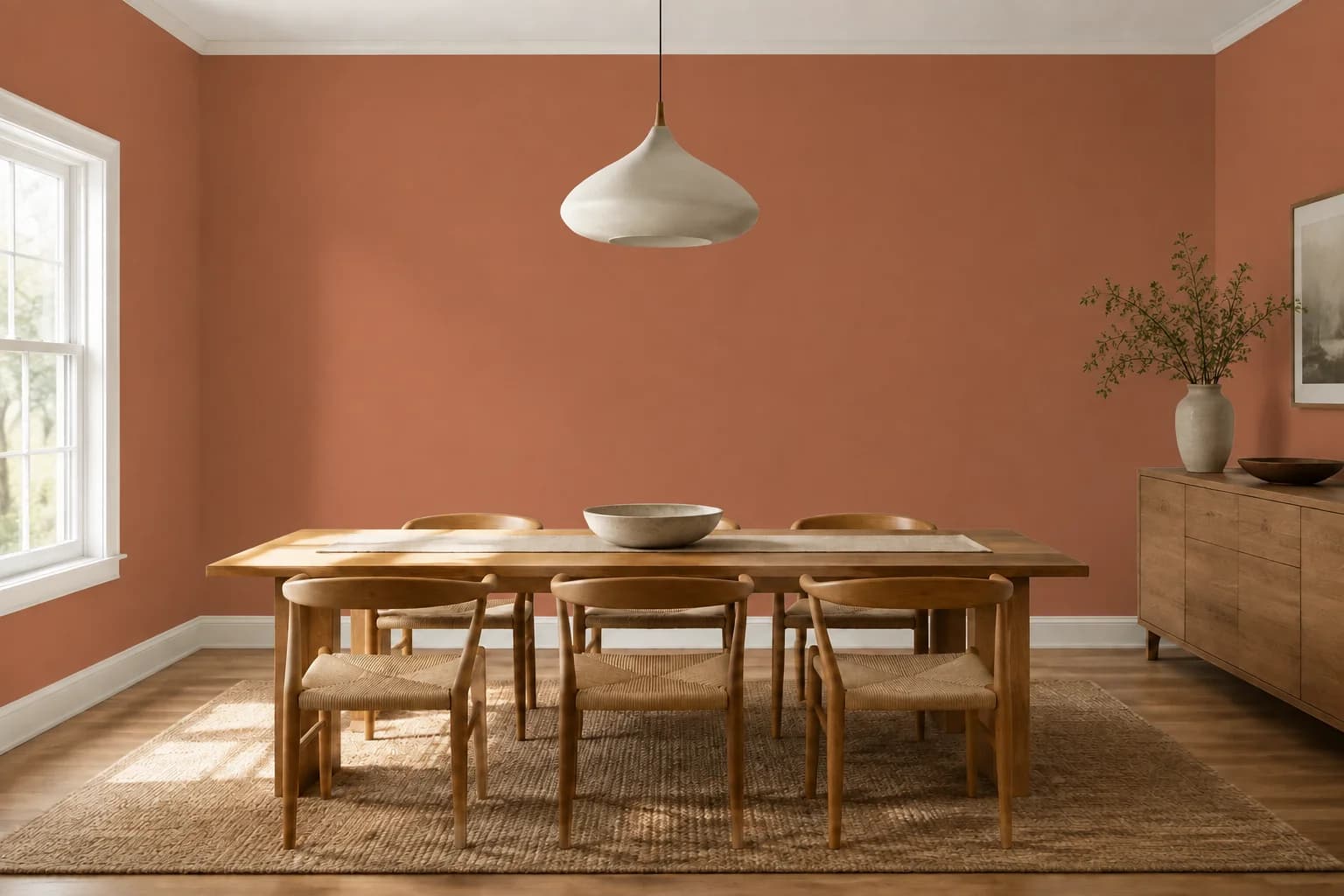
Set a welcoming mood for everyday meals and a full table.
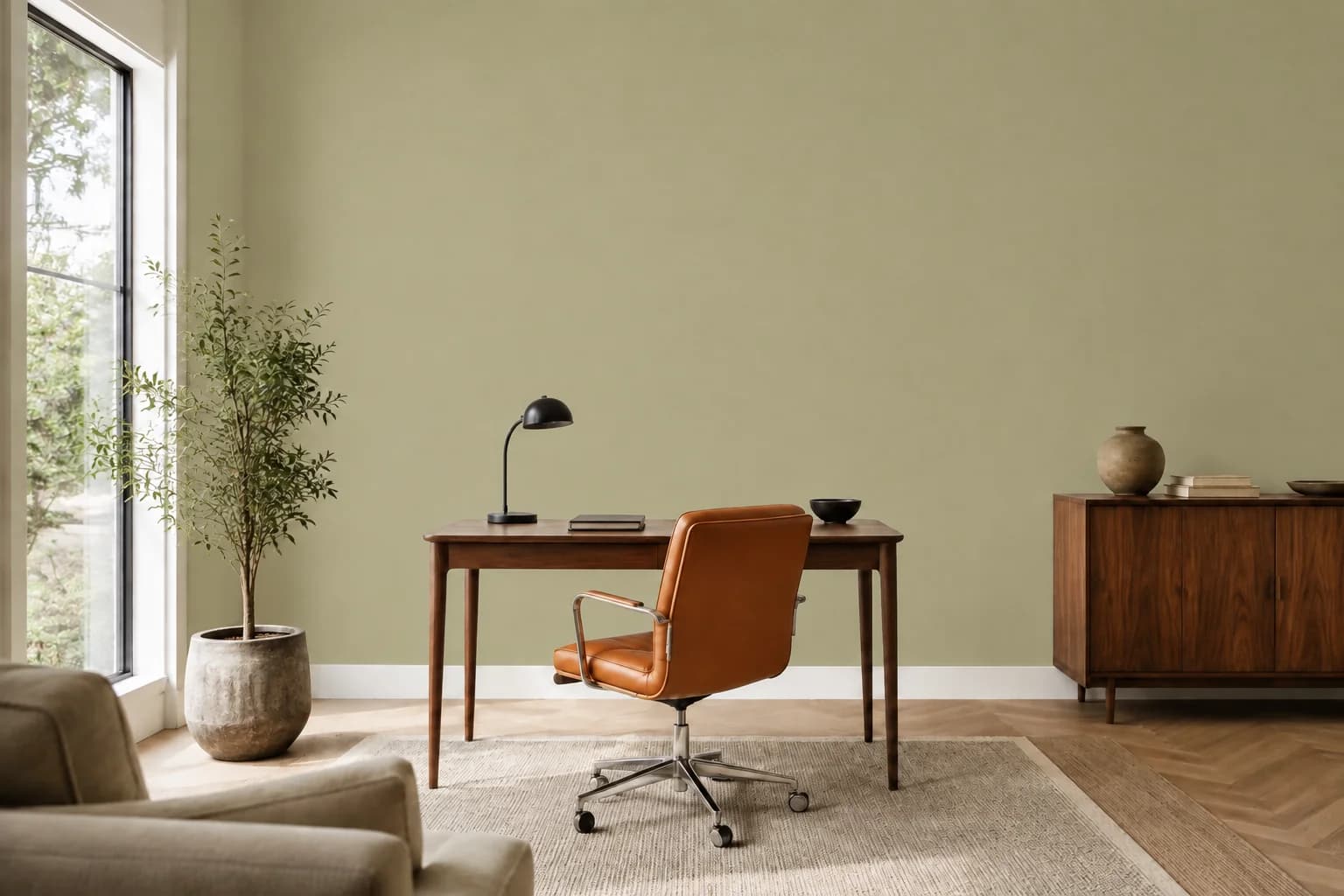
Make your working space feel more settled with a new wall color.
See the difference
Compare each direction with the original photo to see what changes the feeling of the room.
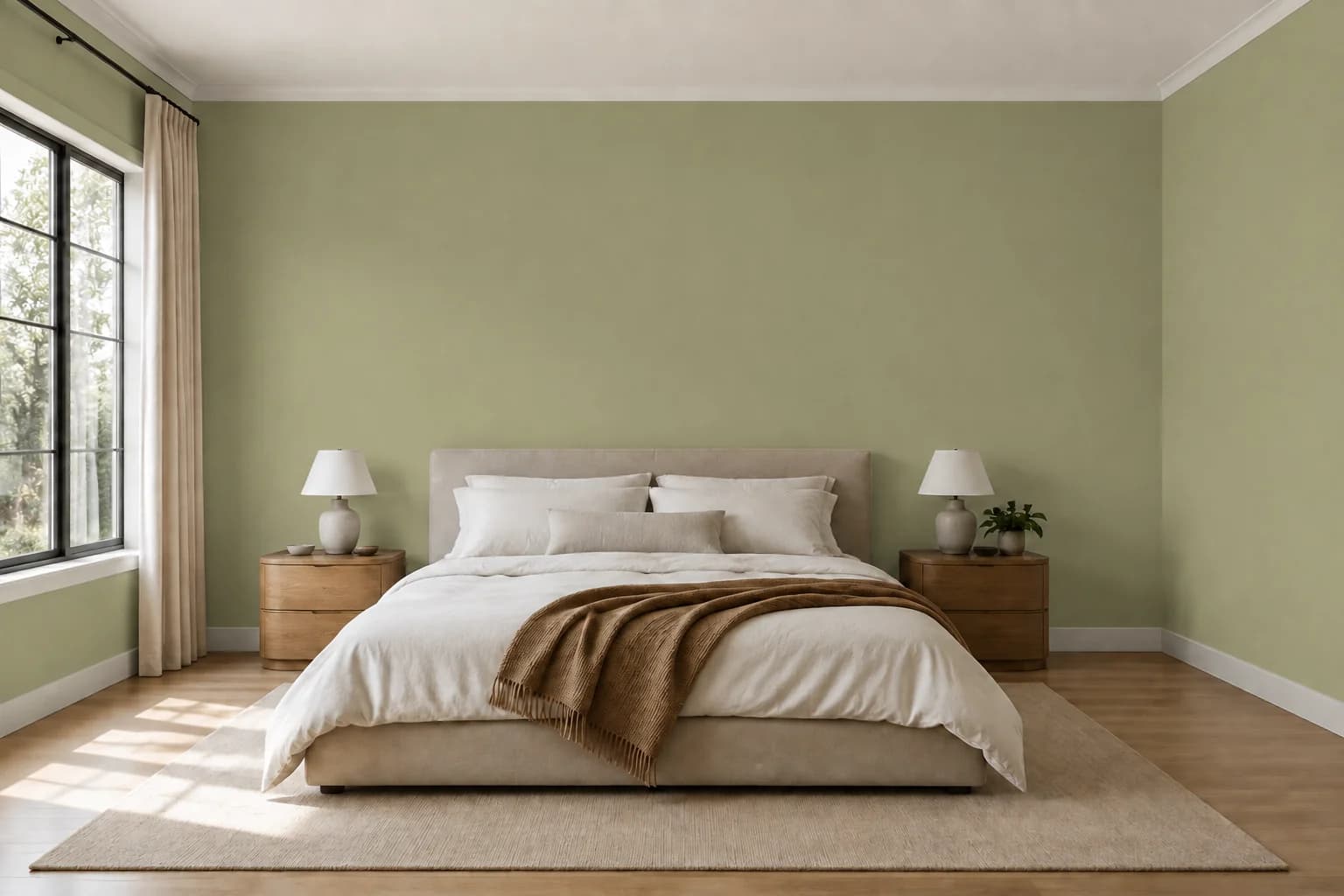
Muted green walls bring a quiet backdrop to the same bedding, wood, and daylight.
Drag the handle to compare.
How it works
From “what if” to “that's the one.” Find a color you love before you pick up a brush.
Upload a photo of the room you want to repaint.
Choose the walls or other surfaces you want to change.
Choose a real paint shade by brand, name, or color code.
See a new room color with your furniture and finishes still in view.
A little inspiration
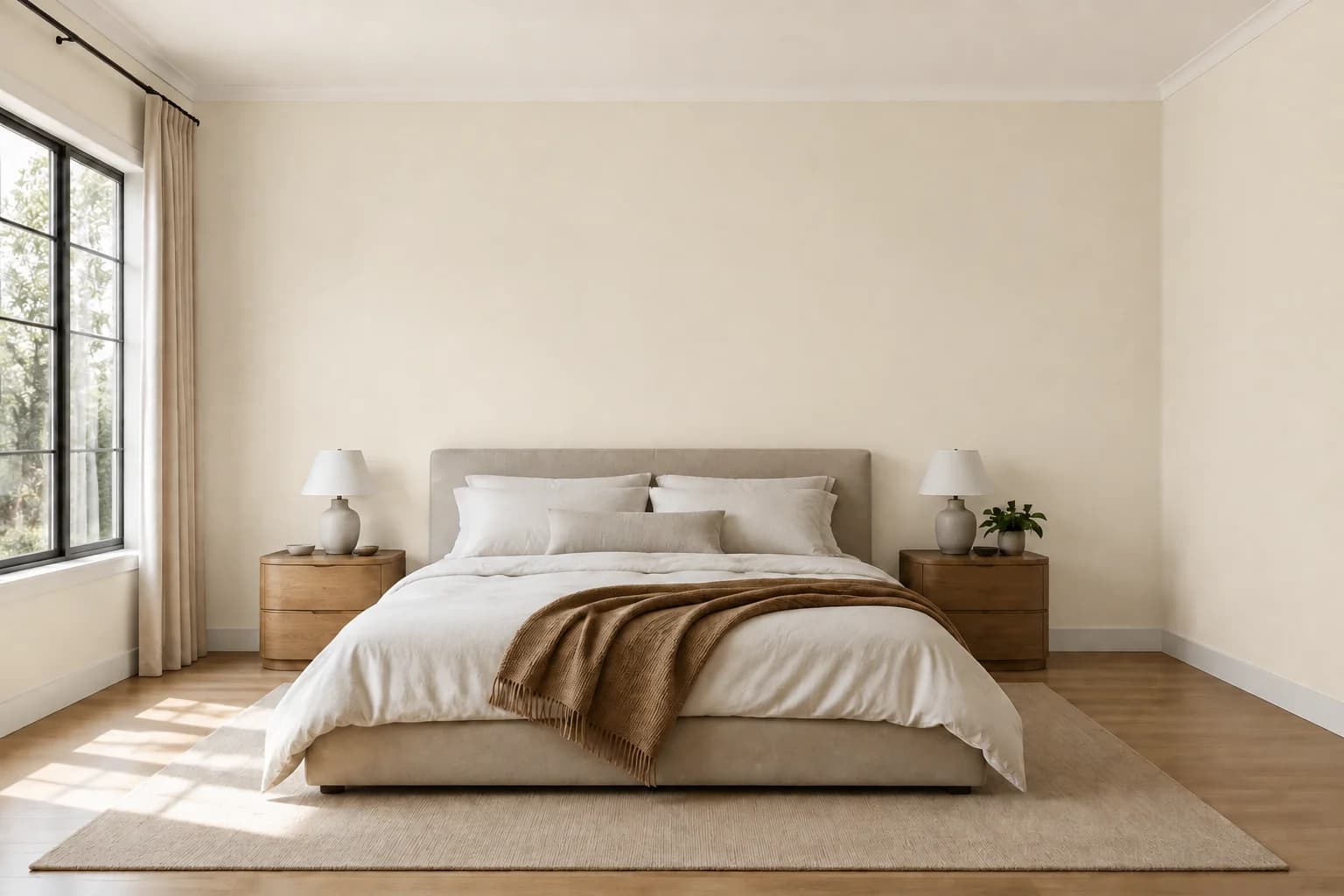
Soft neutrals give furniture and natural textures room to stand out.
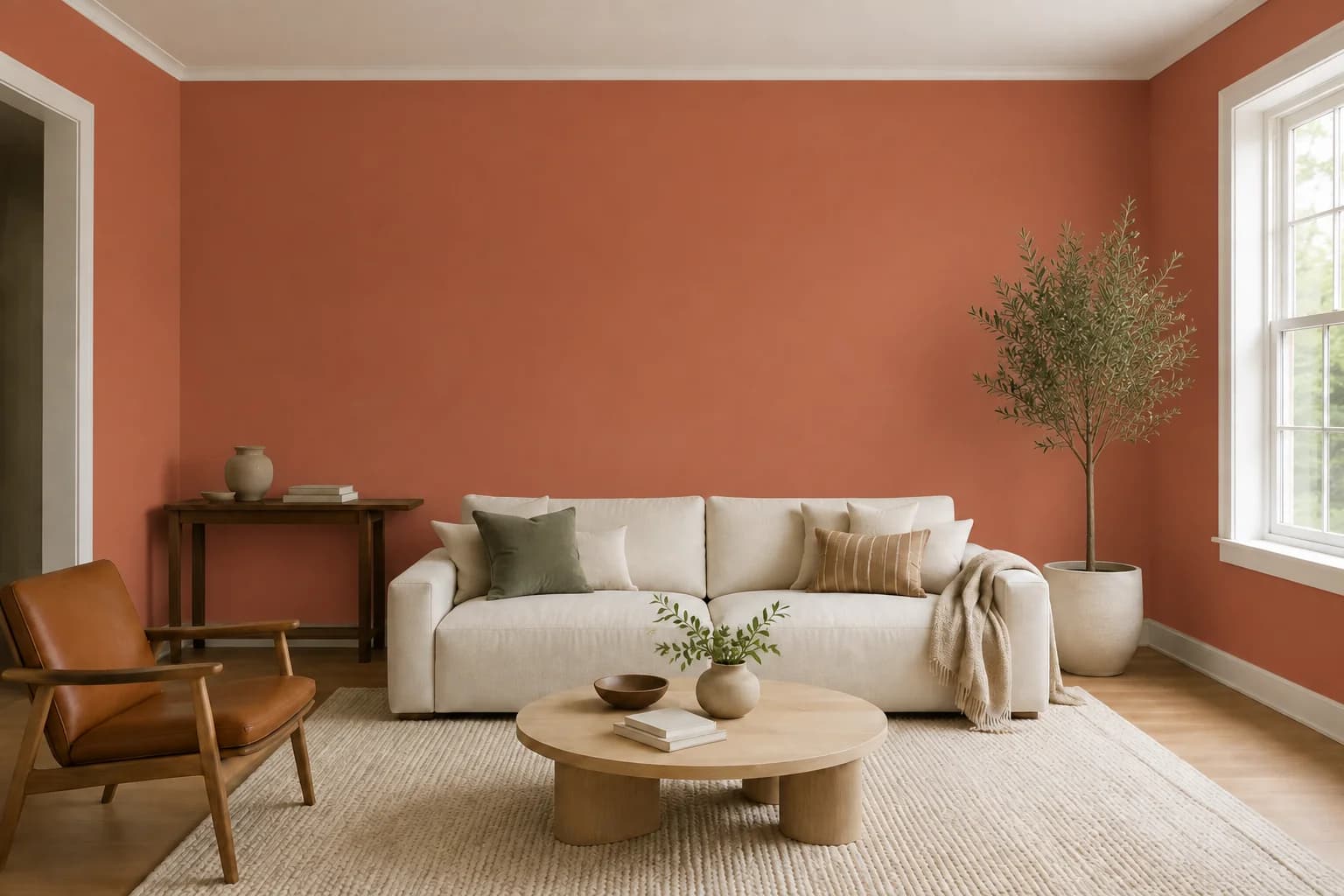
Earthy color brings a little warmth to everyday gathering spaces.
Muted greens create a gentle setting for a workday or a quiet afternoon.
White Dove
OC-17 · Benjamin Moore
Alabaster
SW 7008 · Sherwin-Williams
Agreeable Gray
SW 7029 · Sherwin-Williams
Perfect Taupe
PPU18-13 · Behr
Sea Salt
SW 6204 · Sherwin-Williams
October Mist
1495 · Benjamin Moore
Aegean Teal
2136-40 · Benjamin Moore
Hale Navy
HC-154 · Benjamin Moore
Cavern Clay
SW 7701 · Sherwin-Williams
Red Earth
No. 64 · Farrow & Ball
Before you pick up a brush
Include the floor and a few furnishings so you can judge the color in context.
Take your photo from a doorway or corner with the wall edges straight in the frame.
Check your favorite paint shades in daylight and under your evening lamps.
Your home, your next color
Start with a photo and explore the feeling you want to come home to.
Start Free